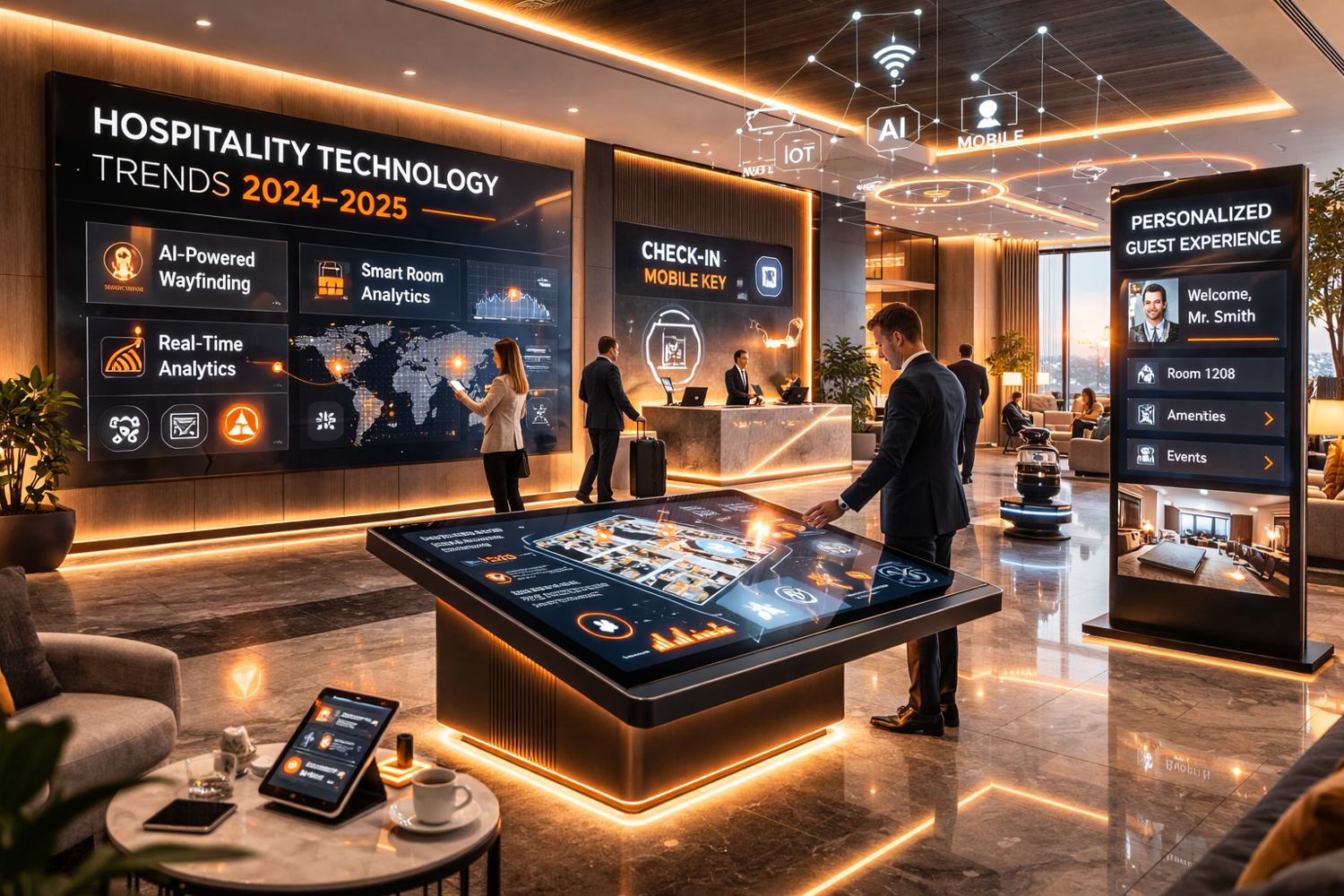
Implementing a digital signage system is one of the most effective ways to modernize a business space. Whether it is a hotel, a corporate office or a retail environment, digital signage brings together communication, design and technology, changing how brands interact with their audiences.
However, a successful installation goes beyond mounting screens on walls. It requires a clear understanding of goals, infrastructure, software and content strategy. This guide walks you through every step of the installation process, from planning to post-launch, so your investment performs as well as it looks.
Key Takeaways
- Installation success depends on strategy, not just technology.
- A step-by-step process ensures technical accuracy, design harmony and long-term ROI.
- Proper planning reduces maintenance costs and maximizes visual performance.
- Working with a qualified partner like Logical Signage ensures a seamless, future-ready setup.
Step 1: Define Goals and Environments
Before thinking about hardware or design, start with the why. Define what you want your signage to achieve:
- Do you want to inform, sell or entertain?
- Will displays be indoors, outdoors or both?
- Who is your audience: guests, employees or customers?
This clarity will determine everything that follows: the type of screen, placement, brightness and content management system. At Logical Signage, every installation begins with a visual and strategic assessment that aligns your goals with the physical space.
Step 2: Choose the Right Display Technology
The display defines the experience. The choice depends on environment, lighting and viewing distance.
| Type | Ideal use | Characteristics |
|---|---|---|
| Indoor LED displays | Lobbies, retail interiors, meeting rooms | High resolution, low power consumption, elegant finish |
| Outdoor LED displays | Building façades, billboards, event venues | Weatherproof, high brightness, long visibility range |
| Interactive displays | Wayfinding, product catalogs, concierge systems | Touch, motion or gesture-based engagement |
Always choose professional-grade equipment, certified for durability, color calibration and energy efficiency.
Step 3: Evaluate Technical Infrastructure
Digital signage requires reliable power and network connectivity. This includes:
- Electrical load planning for high-brightness LED displays.
- Internet or local network setup for content updates and analytics.
- Mounting structures that ensure safety and access for maintenance.
Logical Signage conducts on-site audits to validate these technical conditions before installation, reducing risks and optimizing performance.
Step 4: Design and Content Integration
Design defines how your audience feels when they see the display. It is essential to align creative content with your brand identity, architecture and audience behavior.
Best practices:
- Use short, high-contrast visuals optimized for distance.
- Combine motion with clarity: movement should serve a purpose.
- Adapt aspect ratios and brightness to the environment.
Logical Signage's creative team works directly with clients to design content libraries that stay consistent and easy to update.
Step 5: Software and Control System Setup
The content management system (CMS) is the brain behind every digital signage network. It lets you schedule, monitor and update content remotely, across one or multiple locations.
In 2025, the best CMS solutions integrate with:
- AI automation for personalized content.
- Analytics dashboards for performance tracking.
- Cloud management for global access and scalability.
Logical Signage provides user-friendly CMS tools with training and ongoing technical support, so clients can work fully on their own.
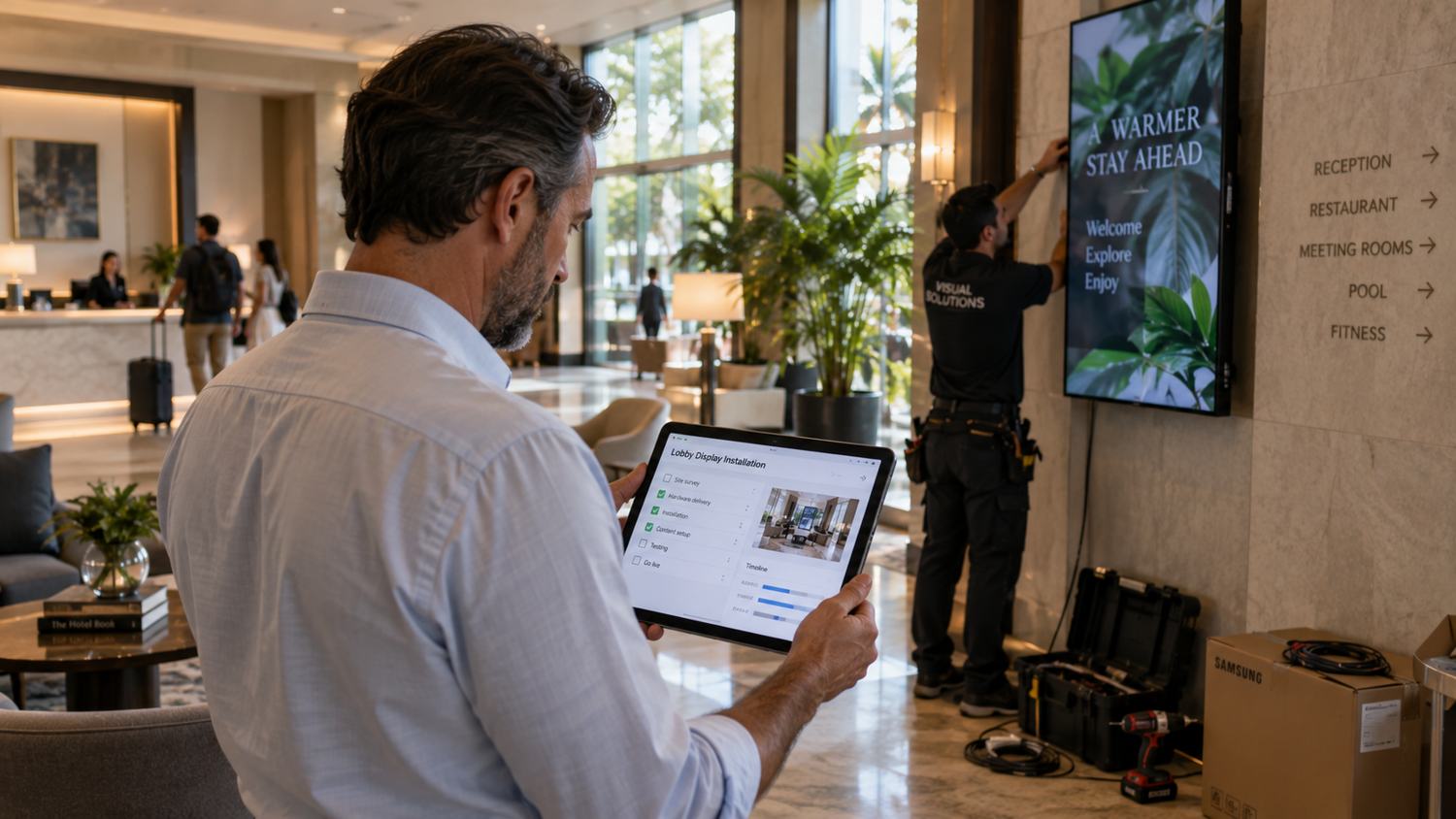
Step 6: Installation and Calibration
Once hardware, software and content are ready, the physical installation begins. Precision at this stage determines visual impact and longevity.
Our technicians ensure:
- Correct alignment and pixel calibration.
- Balanced brightness and color consistency.
- Secure mounting and cable management.
- Seamless integration with the architectural design.
Every project is delivered tested, optimized and visually balanced, ready to operate immediately.
Step 7: Training, Support and Maintenance
After installation, ongoing support ensures long-term performance. Logical Signage provides hands-on training in content management and hardware care.
Regular maintenance includes system updates, calibration and performance reviews, keeping visuals sharp and systems secure. A well-maintained network can last 8–10 years with minimal component replacement.
Common Questions (FAQ)
How long does installation take?
Depending on project size, installations take from 2 to 8 weeks, including planning and calibration.
Do I need internet access for my signage system?
Not always. While most setups benefit from connectivity, offline scheduling is also possible for fixed campaigns.
Can the same CMS manage multiple locations?
Yes. Logical Signage systems are designed for centralized control, allowing easy updates across global or multi-branch operations.
What is the typical maintenance schedule?
Quarterly reviews are recommended for cleaning, calibration and software updates to keep visual performance consistent.
At Logical Signage, we don't just install screens. We build communication systems that redefine how brands speak to their audiences.
Our installations are engineered for precision, longevity and visual impact.
From concept to calibration, we make sure every detail fits your space, your strategy and your story.
If you're ready to modernize your environment with a future-ready signage system, contact Logical Signage today and let's design the next generation of your visual communication.