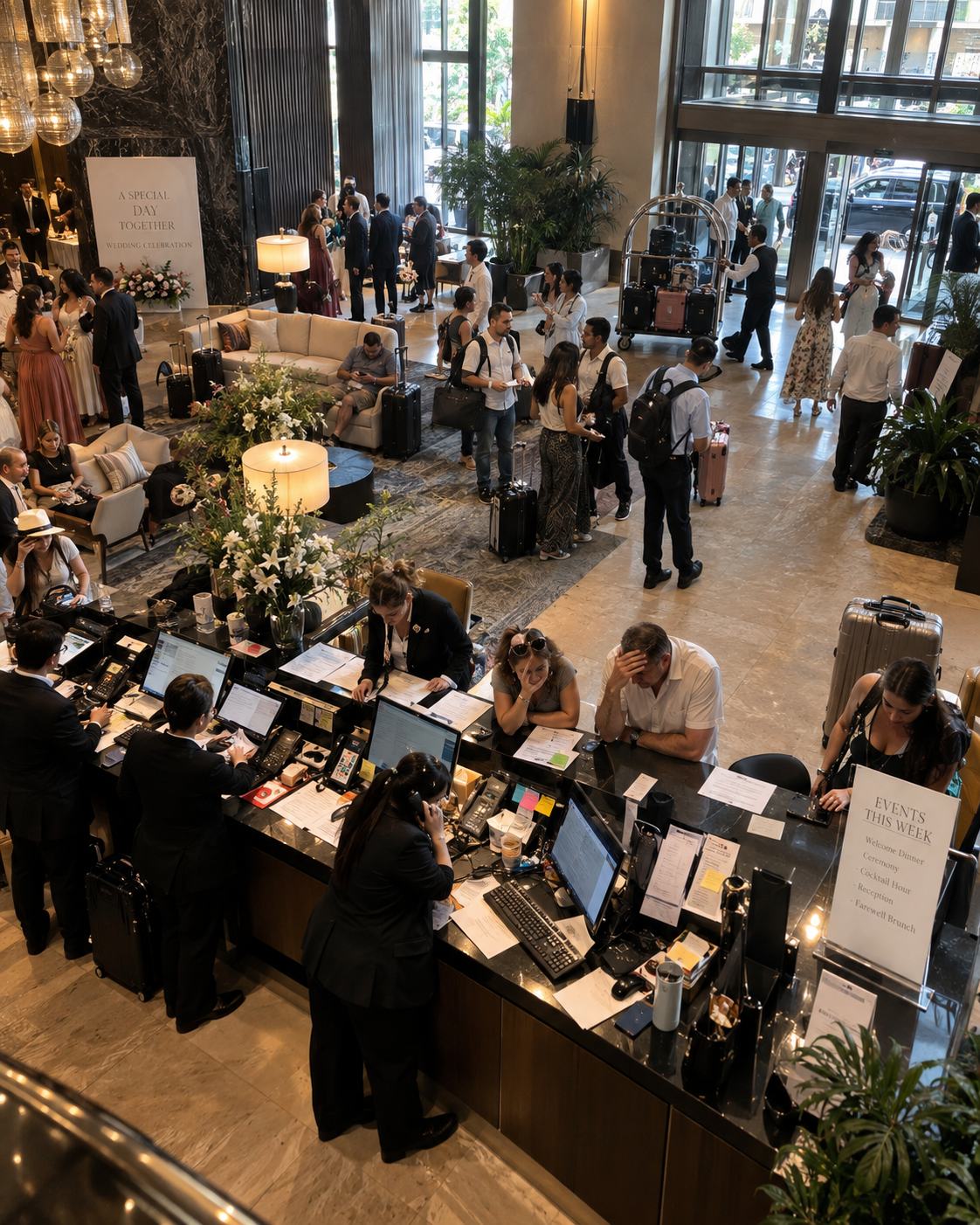
Hotels are physical spaces built around communication. A guest needs to find a meeting room. An event schedule changes at 7am. A restaurant promotion needs to reach everyone checking in today. For decades, hotels handled all of this with printed signs, manual updates, and front desk staff answering the same questions hundreds of times a day.
Digital signage changes that equation, but only when implemented correctly, and only when the right people inside your hotel understand what it actually does.
This guide is designed for hotel general managers, operations directors, IT teams, and ownership groups evaluating whether a digital signage system makes sense for their property.
What digital signage actually is in a hotel context
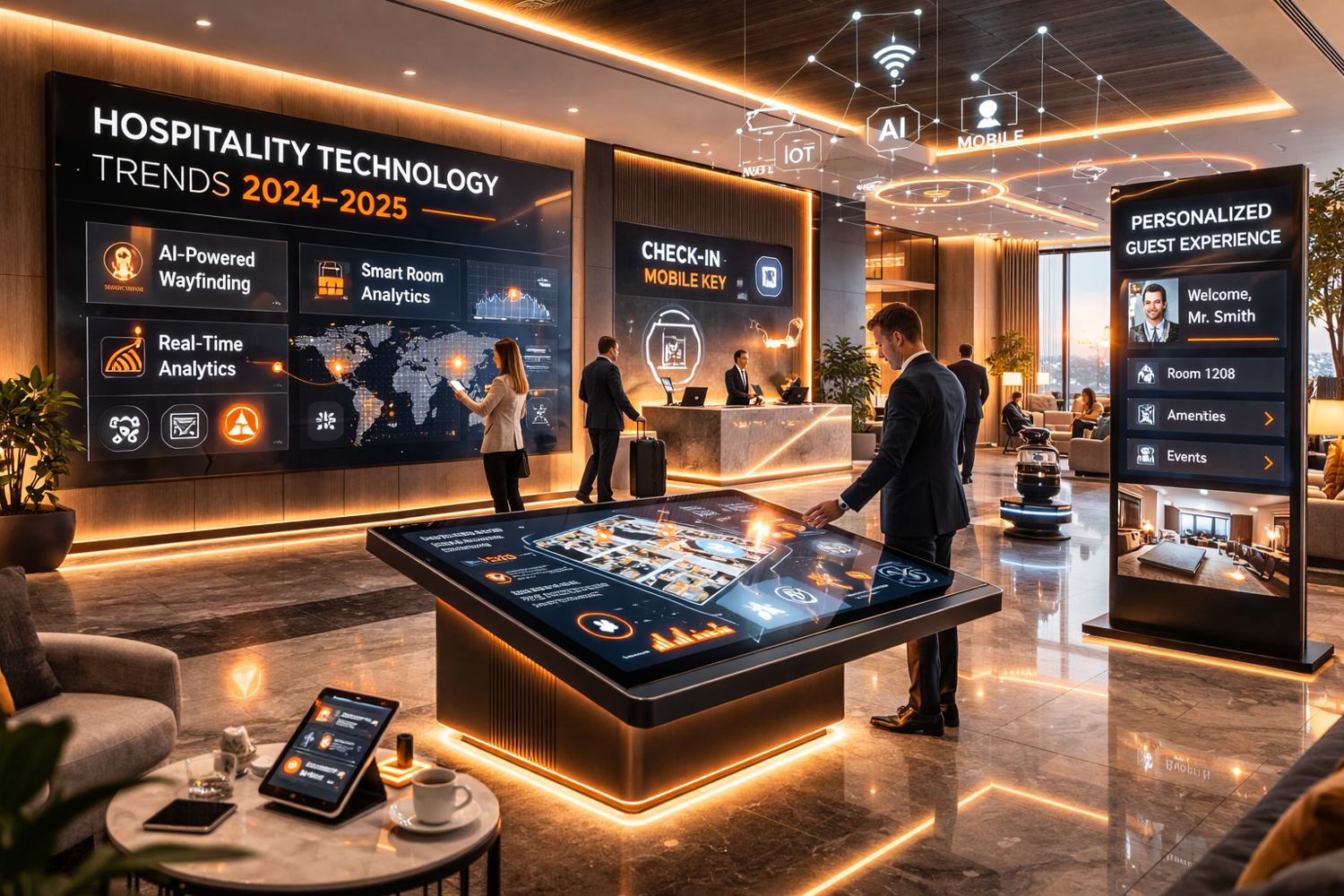
At its core, hotel digital signage is a network of screens managed from a central platform, a CMS (Content Management System), that lets your team control what's displayed on any screen, anywhere on the property, from a single interface.
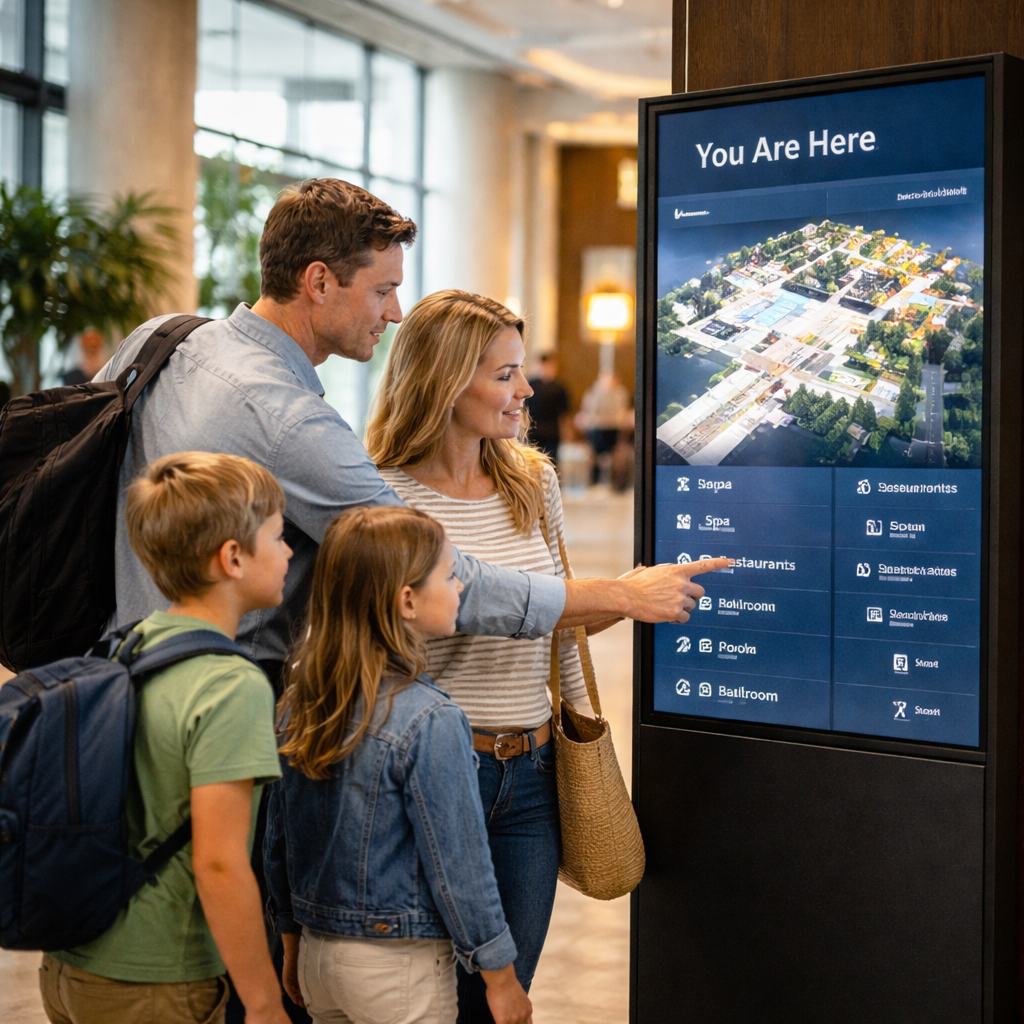
The screens can be lobby displays, meeting room reader boards, elevator screens, restaurant menu boards, wayfinding kiosks, or promotional displays near the spa. The content changes in real time. When an event moves from Ballroom A to Ballroom B, every relevant screen updates in seconds, not after someone walks around with a printed board.
System architecture
| Layer | Component | Includes |
|---|---|---|
| Layer 1 | Hotel systems | PMS · Sales & Catering · Restaurant · Operations |
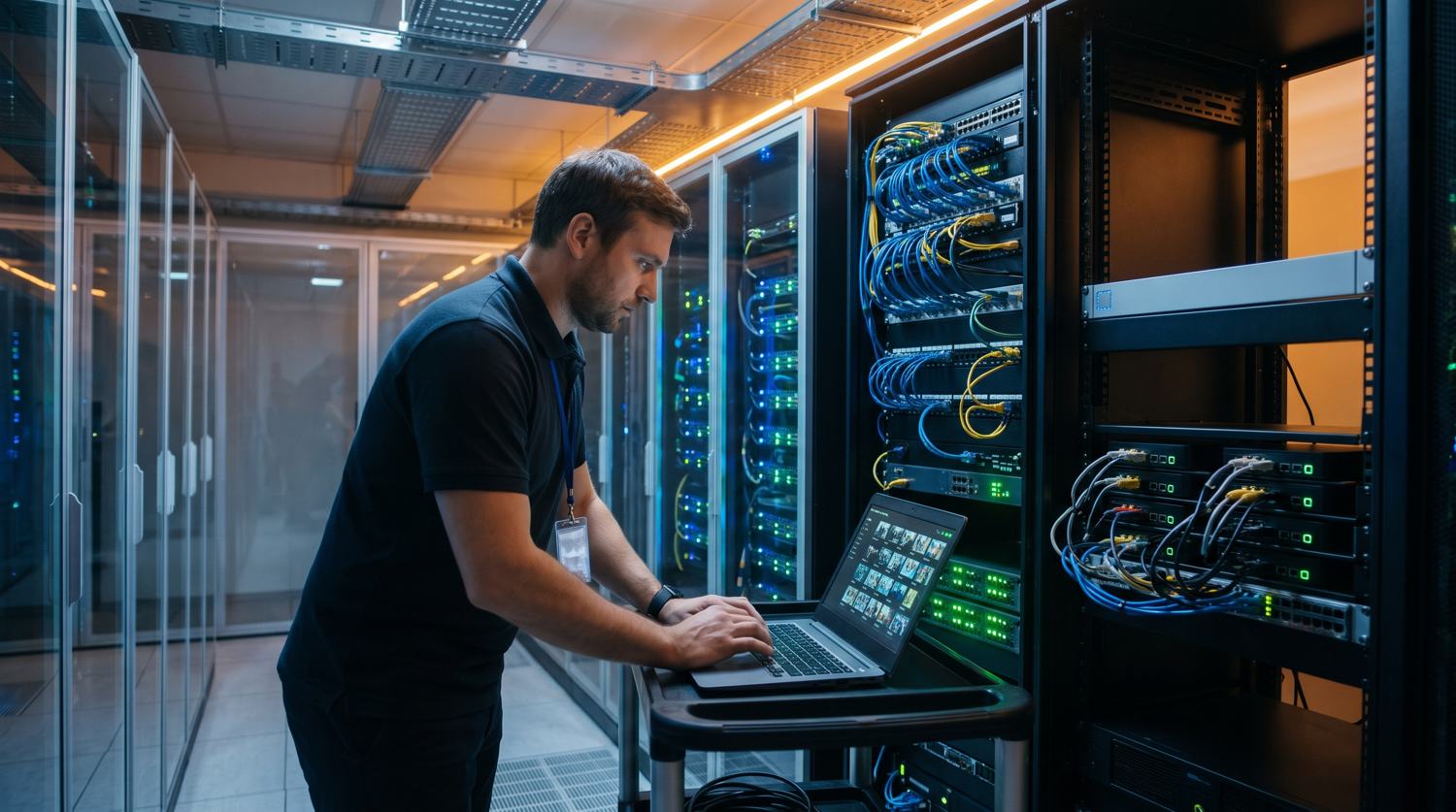
| Layer 2 | Logical Signage | Communication infrastructure · CMS · Integrations |
| Layer 3 | Guest-facing screens | Lobby · Events · Wayfinding · F&B · Elevators |
Use cases by zone
The right mix of screens depends on your property type, layout, and operational priorities. Here are the six most impactful zones for full-service hotels.
Lobby & arrival
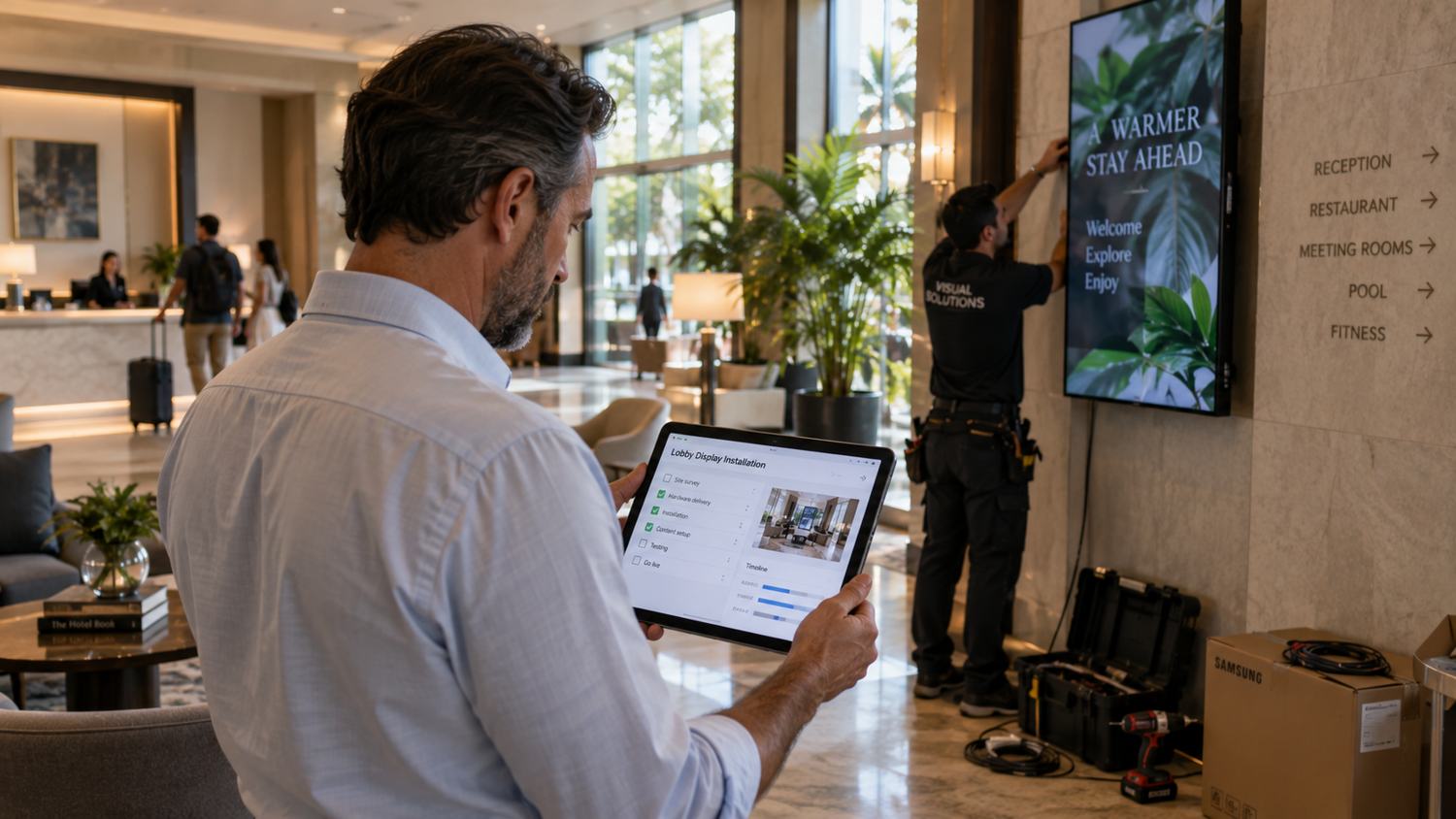
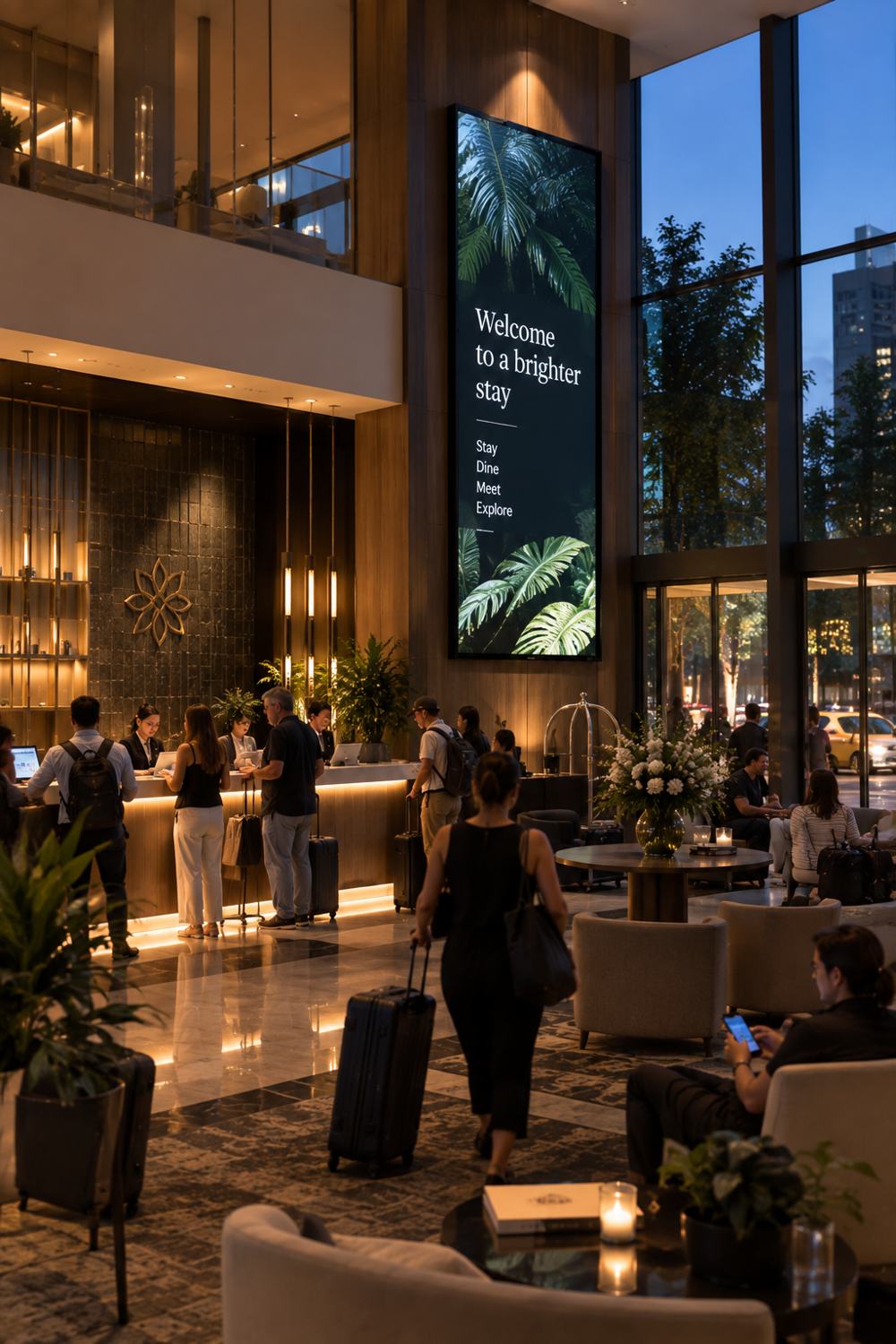
Welcome messaging, daily event schedules, weather, F&B promotions, and wayfinding. The highest-traffic zone, and the first impression for every guest.
Meeting rooms & events
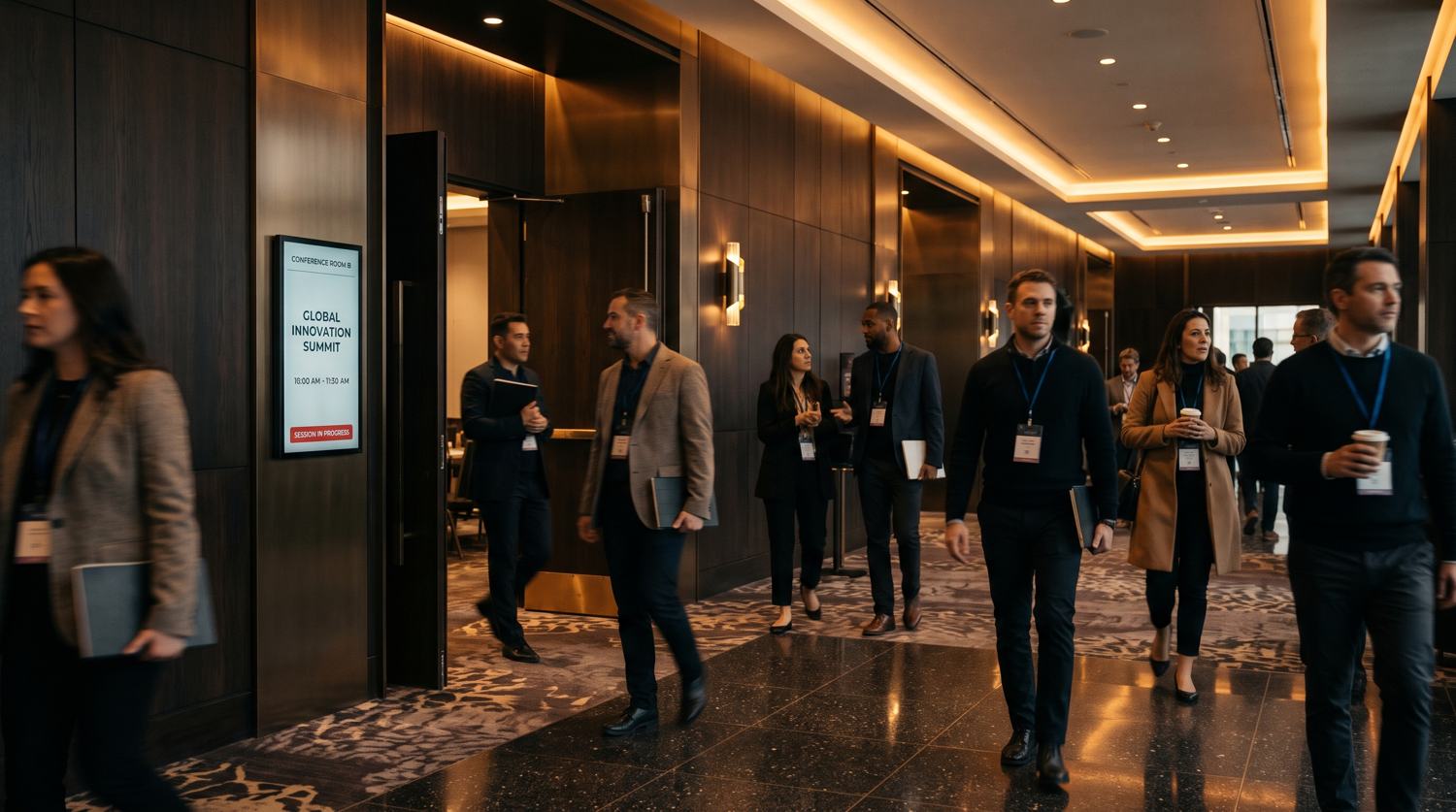
Reader boards outside each function space showing event name, organizer, schedule, and capacity, updating automatically when your S&C system changes.
Wayfinding
Directional screens at decision points, such as elevator banks and corridor junctions, reducing the volume of navigation questions reaching your front desk.
Restaurant & F&B
Real-time promotion of daily specials, happy hour offers, and upcoming events near restaurant entrances, bar areas, and checkout points.
Elevators & corridors
Event summaries, amenity promotions, and service information, reaching guests already moving through the property without requiring them to stop.
Spa & amenities
Same-day availability, promotions, and featured services. Spa and ancillary services are chronically under-promoted in most hotels. Screens fix that.
Integration: how it works with your existing systems
One of the most common concerns from IT teams is whether digital signage means replacing or disrupting existing hotel systems. The answer is no.
Digital signage operates as a communication distribution layer. It sits above your operational systems and pulls information from them to display on screens. It does not replace any of those systems.
OPERA integration
Oracle's OPERA is one of the most widely deployed PMS platforms in full-service hospitality, running across Marriott, Hyatt, Four Seasons, and Radisson properties. It supports integration with third-party systems through the Oracle Hospitality Integration Platform (OHIP) for OPERA Cloud, or the OXI interface module for OPERA 5 on-premise.
A digital signage system certified for OPERA pulls event data, room assignments, and schedules directly, without manual input from your team. When your events coordinator changes a room in OPERA S&C, every meeting room screen on the property updates within seconds.
Other PMS and S&C systems
The same integration logic applies to Protel, Mews, Delphi by Amadeus, Event Temple, and most other modern cloud-based platforms that expose REST APIs or use standard hospitality interface protocols. The data model is consistent: the signage system reads scheduled events and room assignments. No guest personal data is involved.
Deployment models
There are three standard ways hotels deploy digital signage. The right model depends on capital availability, internal IT capability, and ownership structure.
| Model | How it works | CapEx | Best for |
|---|---|---|---|
| Full Purchase | Hotel owns all hardware and software outright | High upfront | Ownership groups managing long-term assets; renovations |
| All-Inclusive Lease | Hardware, software, installation and support in a monthly fee | Zero upfront | Independent hotels; first-time deployments; operators prioritizing simplicity |
| Software Only | Hotel provides hardware; licenses only the CMS platform | Medium | Hotels with existing screens; strong in-house IT; multi-property groups |
ROI: what the research shows
Labor and operational efficiency
Cornell's Center for Hospitality Research documented a 36% reduction in front-of-house labor per check when guests used digital interfaces, rising to 65% when digital interfaces handled both ordering and payment. When guests can get information from a screen, they don't need to get it from staff.
For centralized communication systems, McKinsey research documented 20–30% cost reductions after centralizing service delivery. Deloitte's Shared Services Survey found 55% of organizations reported over 20% average cost savings.
F&B and ancillary revenue
Ancillary revenue represents 30–36% of total revenue in U.S. upper upscale and luxury hotels (STR HOST / AHLA). That share is disproportionately dependent on in-property communication: guests who never see a promotion for your spa or restaurant simply don't book it.
Deloitte data shows personalized in-property experiences drive 15% more revenue per guest, with 61% of guests willing to spend more at properties that provide relevant, personalized communication.
Printing cost reduction
Properties that replace printed event signage, directional materials, and promotional content with digital systems typically see 50–70% reductions in printing costs. For a full-service hotel running regular print runs for events, menus, and property communications, this is an immediately measurable line item.
Who manages the content day-to-day
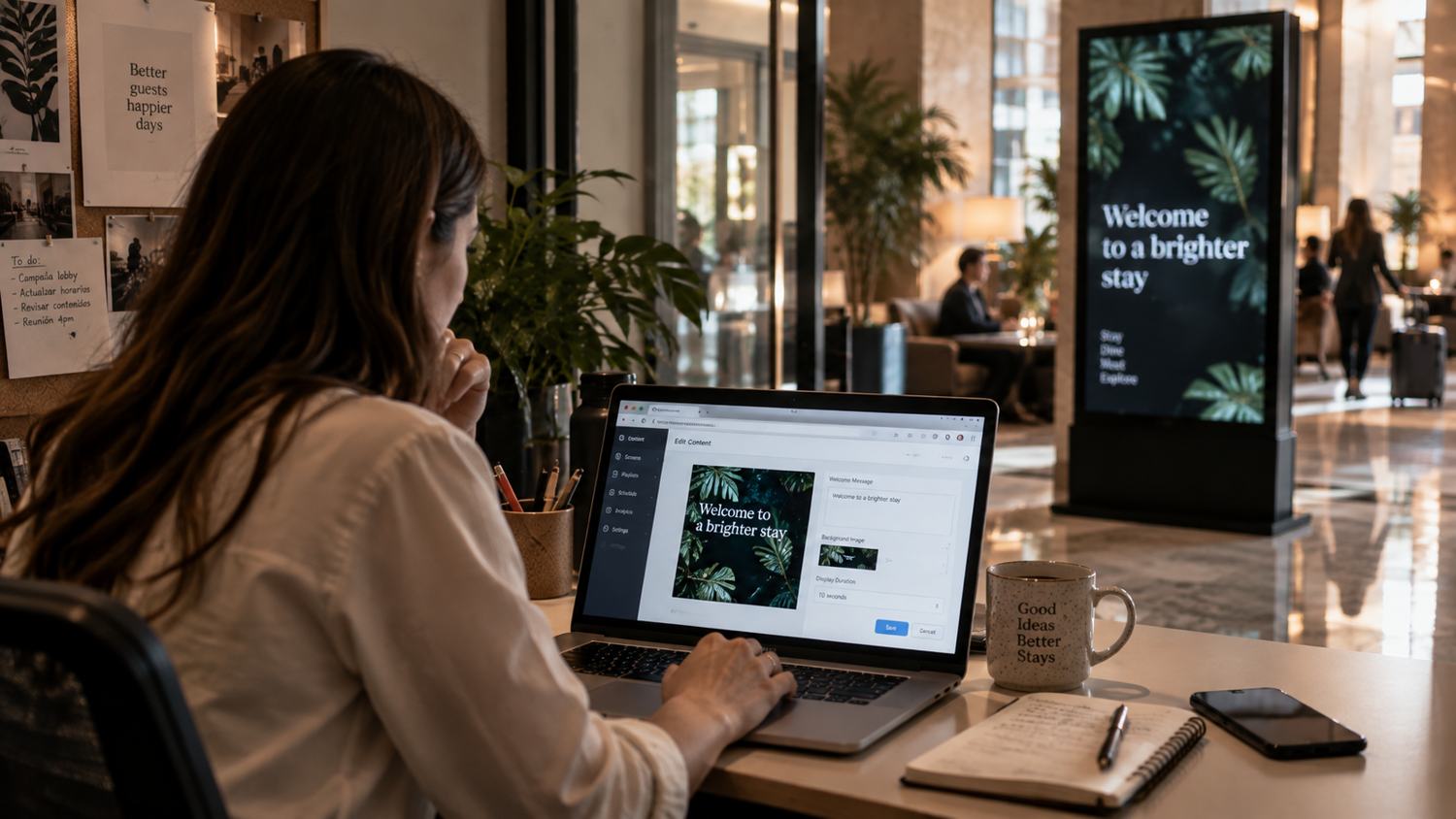
A recurring concern from operations teams is who will actually run the system. Modern CMS platforms are designed for non-technical users. Your marketing team, events coordinator, or front desk manager can update content through a browser-based interface without IT involvement.
Role-based access controls let you define who manages which screens: the events team manages the meeting room boards, marketing manages lobby and promotional screens, and IT maintains system oversight. For multi-property groups, a corporate team can push brand-level content while properties manage local content independently.
What to evaluate when choosing a platform
- PMS and S&C integration certification: certified for your specific version, not just "compatible."
- CMS usability: genuinely manageable by non-technical hotel staff without IT involvement for routine updates.
- Failure states: what happens to screens if the internet drops. Does the system go blank or maintain its last state?
- Hardware roadmap: screens should be supported for at least 5–7 years. Ask about the refresh cycle.
- Support terms: SLA for screen outages, 24/7 or business hours, and who owns the integration layer if the PMS updates.
- Implementation timeline: realistic timelines by property size, not best-case scenarios.