The most common concern from hotel IT teams evaluating digital signage is integration: will it work with the PMS already running the property, and what does implementation actually involve?
This guide answers both questions directly, without unnecessary technical jargon.
What integration actually means
In a hotel context, PMS integration for digital signage is a one-way data flow. The signage platform reads operational data from your PMS and S&C system and pushes it to screens. It never writes data back to the PMS.
The technical architecture works like this:
Integration flow
- 1PMS generates operational data. Event schedules, room assignments, guest check-ins and S&C bookings are all created by your hotel team in the existing system as usual. (Opera · Protel · Mews · Delphi)
- 2Integration layer fetches relevant data. Logical Signage connects through an API or interface protocol. It polls for changes at defined intervals, typically every 30–60 seconds for event data. (REST API · OXI · OHIP · FIAS)
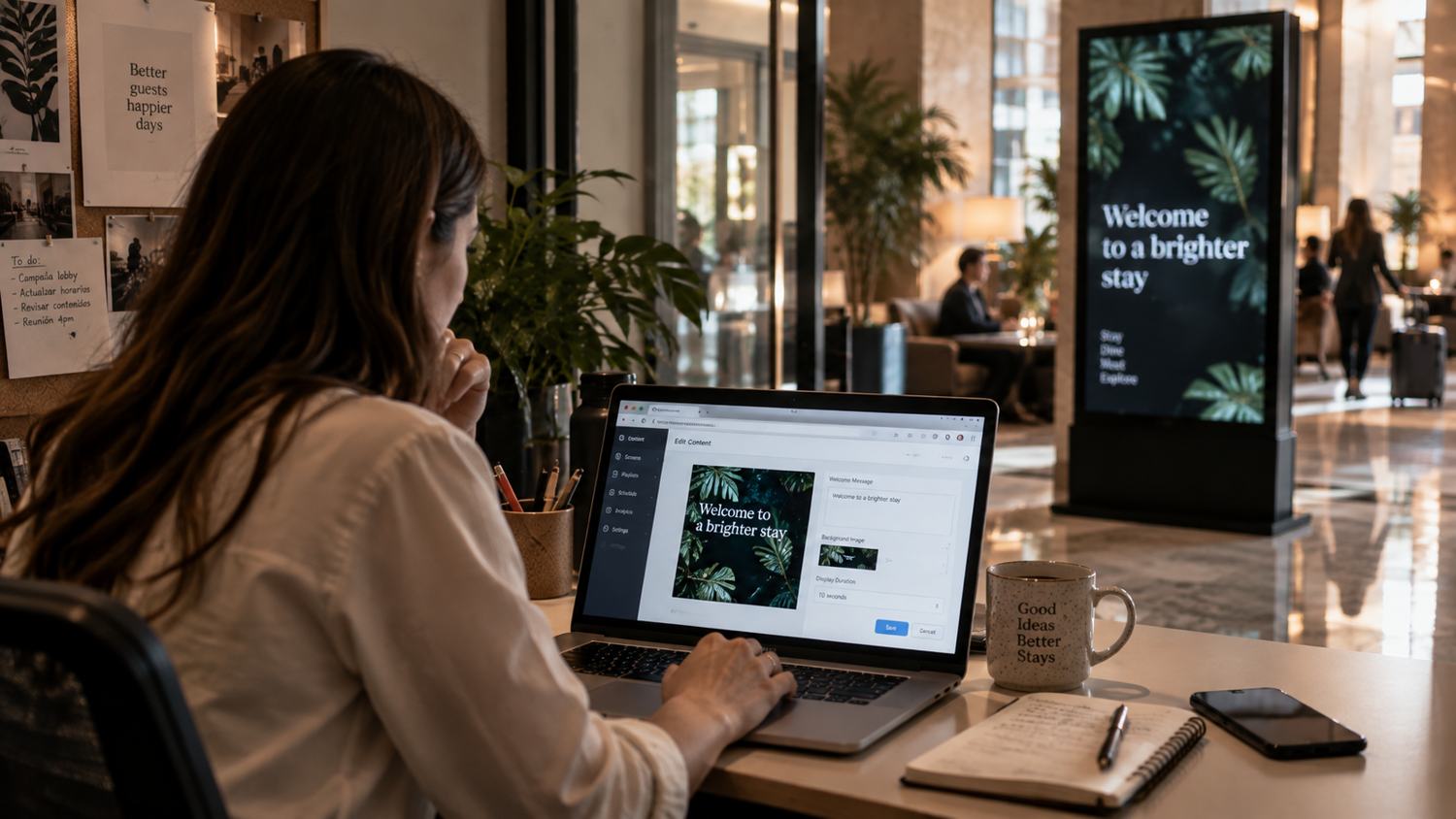
- 3CMS receives and normalizes the data. Logical Signage formats the data for display (event names, room numbers, times, organizer info) and maps it to the correct screen templates. (Logical Signage CMS)
- 4Screens update automatically. Meeting room displays, lobby event boards and directional screens reflect the current state of the PMS, with no manual intervention from hotel staff. (Meeting rooms · Lobby · Wayfinding · Elevators)
Opera integration in detail
Oracle's Opera is the most widely deployed PMS in full-service hospitality, used across Marriott, Hyatt, Four Seasons, and Radisson properties globally. Oracle offers two integration paths depending on your Opera version.
Opera Cloud (OHIP)
For properties running Opera Cloud, integration uses the Oracle Hospitality Integration Platform (OHIP), Oracle's modern REST API layer. OHIP provides standardized endpoints for event data, room assignments, and scheduling information.
A signage vendor certified through OHIP has been tested by Oracle against the API specification. This matters because it means Oracle and the vendor jointly warrant that the integration works, and both parties support it if something breaks after a PMS update.
Opera 5 (on-premise)
For properties still running Opera 5 on-premise, integration uses the OXI interface module, Opera's legacy interface framework. OXI has been the standard integration method for Opera 5 for over a decade and is well supported by qualified vendors.
Other PMS and S&C systems
| System | Integration method | Data available | Status |
|---|---|---|---|
| Opera Cloud | OHIP REST API | Events, rooms, schedules | To confirm |
| Opera 5 | OXI interface | Events, rooms, schedules | To confirm |
| Protel / Mews | REST API | Events, rooms, schedules | Supported |
| Delphi (Amadeus) | REST API | S&C events, room bookings | Supported |
| Event Temple | REST API | Events, room assignments | Supported |
| Other systems | Verify with vendor | Depends on API availability | Case by case |
What data is accessed, and what isn't
For meeting room and event displays, the relevant data is limited to:
- Event name and organizer
- Room assignment and capacity
- Start and end times
- Event status (confirmed, cancelled, moved)
No guest personal data is involved or required for standard signage functionality. Guest names do not appear on public screens. The integration does not access reservation details, payment information, or guest profiles.
Failure states: what happens when connectivity drops
A common IT concern is what happens to screens if the network connection or the PMS API becomes unavailable. A well-designed signage system handles this in two ways:
- Last-known state persistence: screens continue displaying the most recent data they received. They do not go blank or show error messages visible to guests.
- CMS alerts: the system administrator receives a notification when a screen loses connectivity or when the PMS connection drops, so IT can investigate before it becomes a guest-facing issue.
Network requirements
Digital signage media players require a stable network connection to the CMS. Most hotel deployments use one of two approaches:
- Dedicated VLAN: preferred for larger properties. Signage traffic is isolated from guest and operational network traffic, reducing interference and security exposure.
- Existing enterprise Wi-Fi: viable for smaller deployments or properties where running new cabling is impractical. Requires adequate signal strength at each screen location.
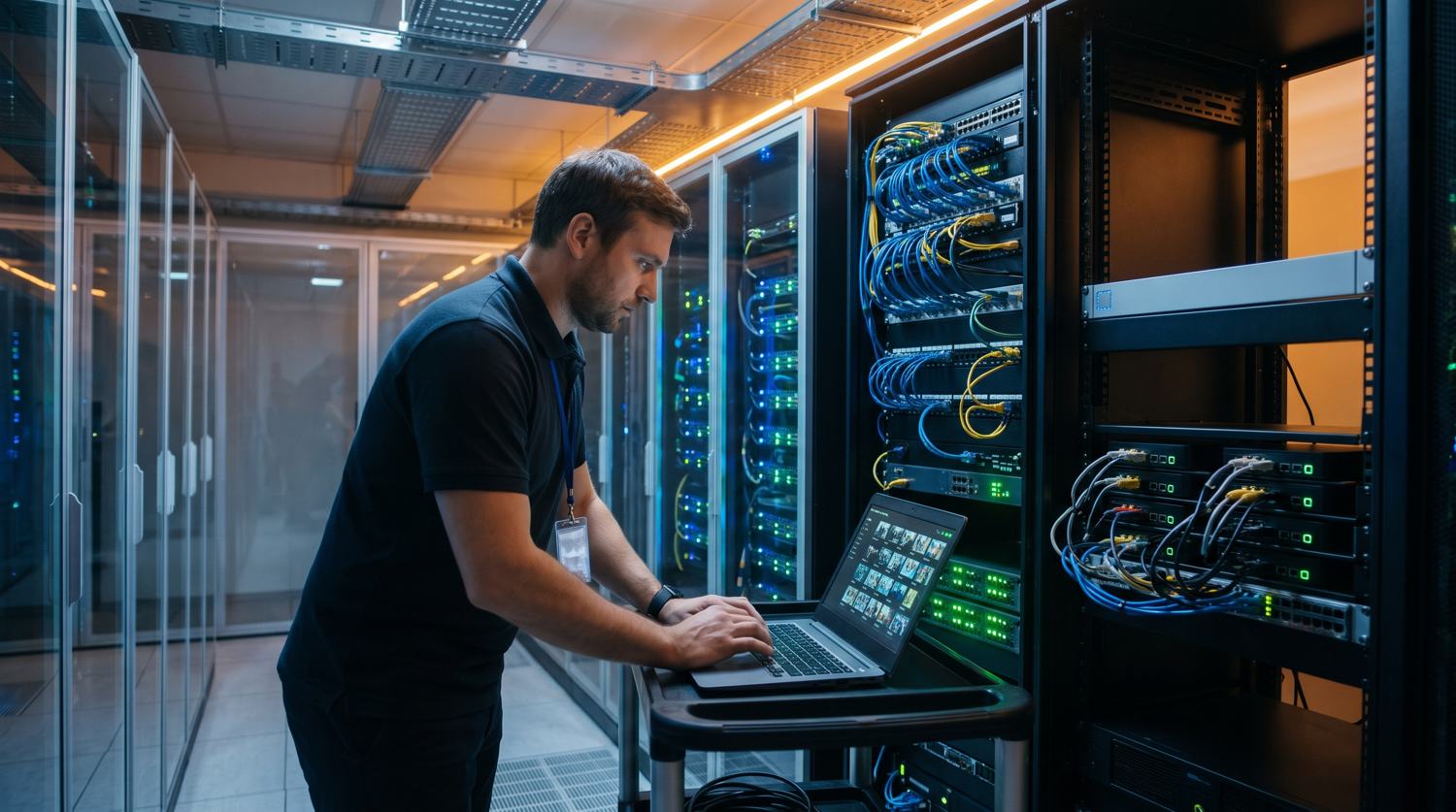
A network assessment, mapping screen locations against existing infrastructure, is a standard part of implementation scoping and should happen before any hardware is ordered.
Implementation timeline
The integration setup timeline for a standard hotel deployment, once network access and API credentials are in place:
- Opera Cloud (OHIP): 1–2 weeks for integration configuration and testing
- Opera 5 (OXI): 2–3 weeks including OXI module configuration
- Other PMS via REST API: 1–3 weeks depending on API documentation quality
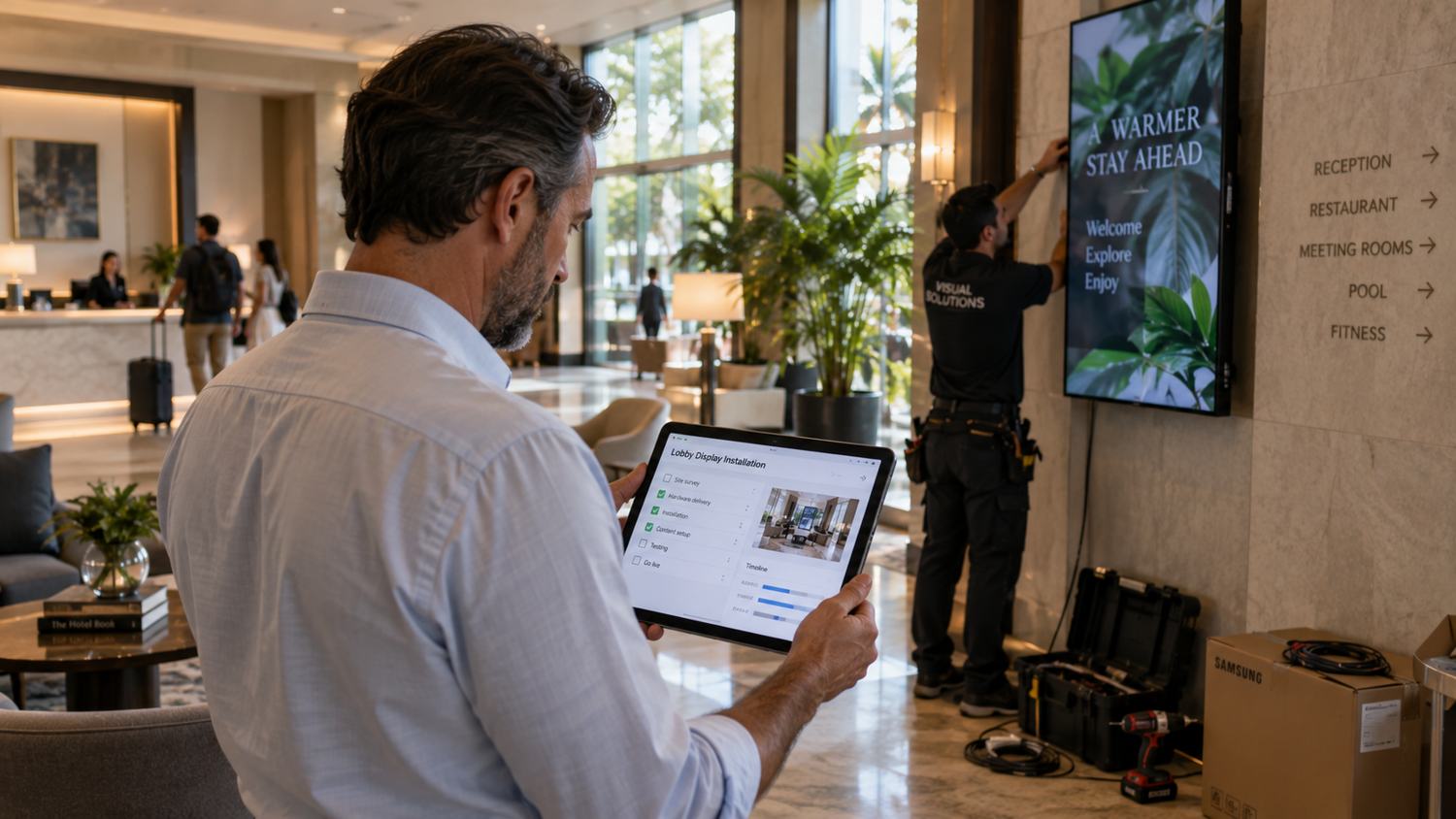
The total project timeline, including hardware procurement, installation, and staff training, is typically 4–8 weeks for a hotel under 20 screens, and 2–4 months for larger convention properties.
IT evaluation checklist
Questions to ask any digital signage vendor before signing:
- Are you certified for our specific PMS version? Not "compatible," but certified, with Oracle or the PMS vendor validating the integration.
- What data does the integration access? It should be limited to event schedules and room assignments only.
- What happens to screens if the PMS connection drops? The answer should be last-known content, not blank screens.
- Who owns the integration layer if the PMS updates? Clear responsibility should be in the contract.
- What are the network requirements? Get specific bandwidth and topology requirements per screen before infrastructure planning.
- What is the support SLA for a screen outage? Response time, escalation path, and 24/7 vs business hours availability.
- How long are API credentials valid? Some PMS integrations require periodic re-authentication. Know the maintenance cycle upfront.